Local History Guide / Hermes
Hermes Agent State Database History: Browse Hermes Sessions on macOS
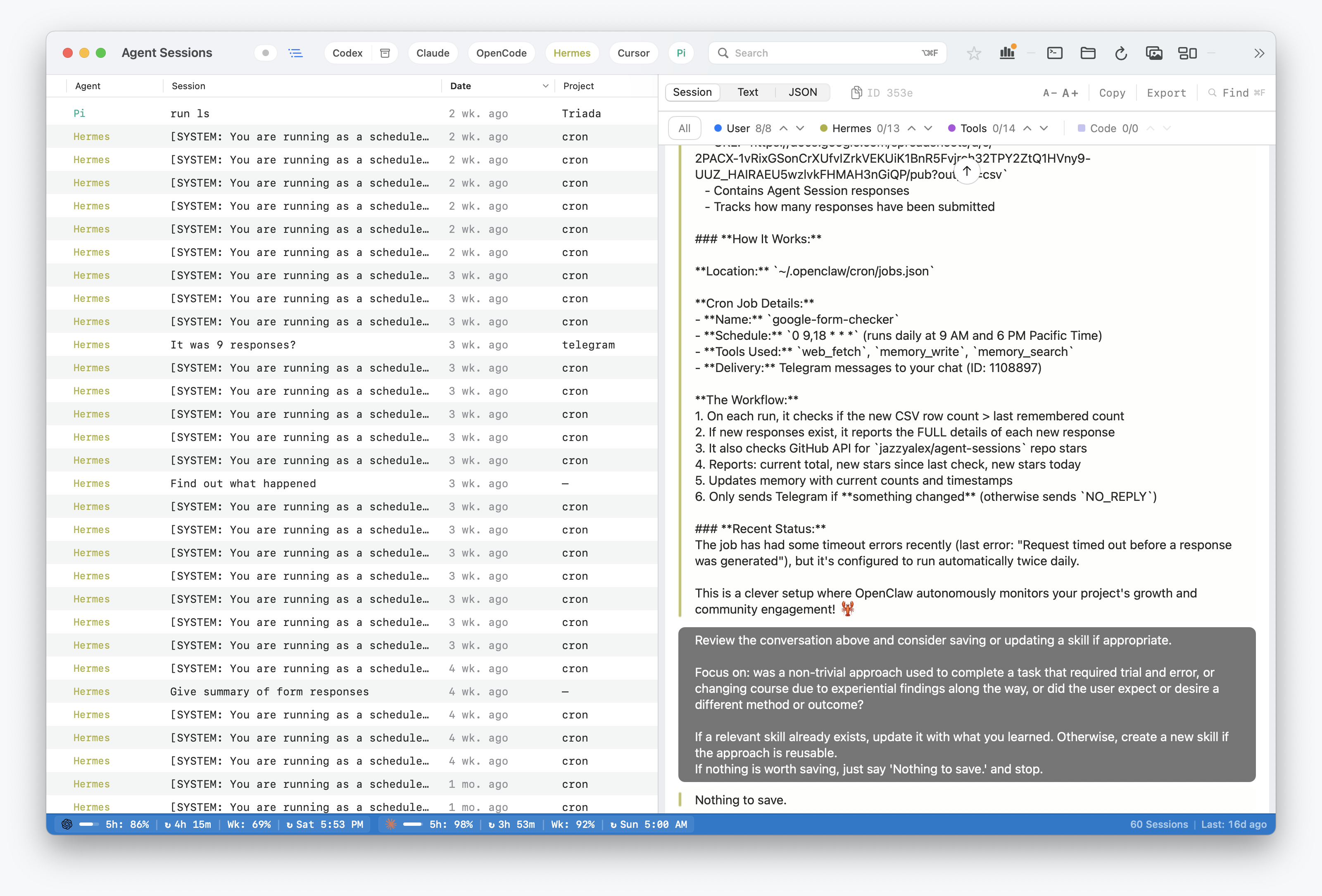
Hermes Agent writes useful local project history: prompts, assistant responses, tool calls, command output, reasoning metadata, model changes, and working-directory context. Agent Sessions reads that history locally so Hermes sessions can be searched beside other coding-agent sessions.
Hermes support is centered on the current state.db storage format, with a legacy JSON fallback for older installs.
Where Hermes Stores Local Data
Current Hermes versions use:
~/.hermes/state.dbOlder Hermes installs may still have JSON session files:
~/.hermes/sessions/session_*.jsonAgent Sessions checks state.db first. If the database exists and contains sessions, it reads session and message rows from that database. If the database is absent or empty, it falls back to legacy JSON files.
What Agent Sessions Does
- Lists Hermes sessions by time and project context.
- Reads
model_configworking-directory data when available. - Full-text searches Hermes transcript text, tool payloads, metadata, and command output.
- Shows user messages, assistant responses, tool calls, tool results, and metadata events.
- Supports Hermes resume workflows when the installed Hermes command exposes the required session flags.
What This Does Not Do
- Write into
~/.hermes/state.db. - Recover history that Hermes never wrote locally.
- Upload Hermes transcripts to a hosted index.
- Replace Hermes' own command-line interface.