Local History Guide / OpenClaw
OpenClaw Local Agent History: Browse OpenClaw Sessions on macOS
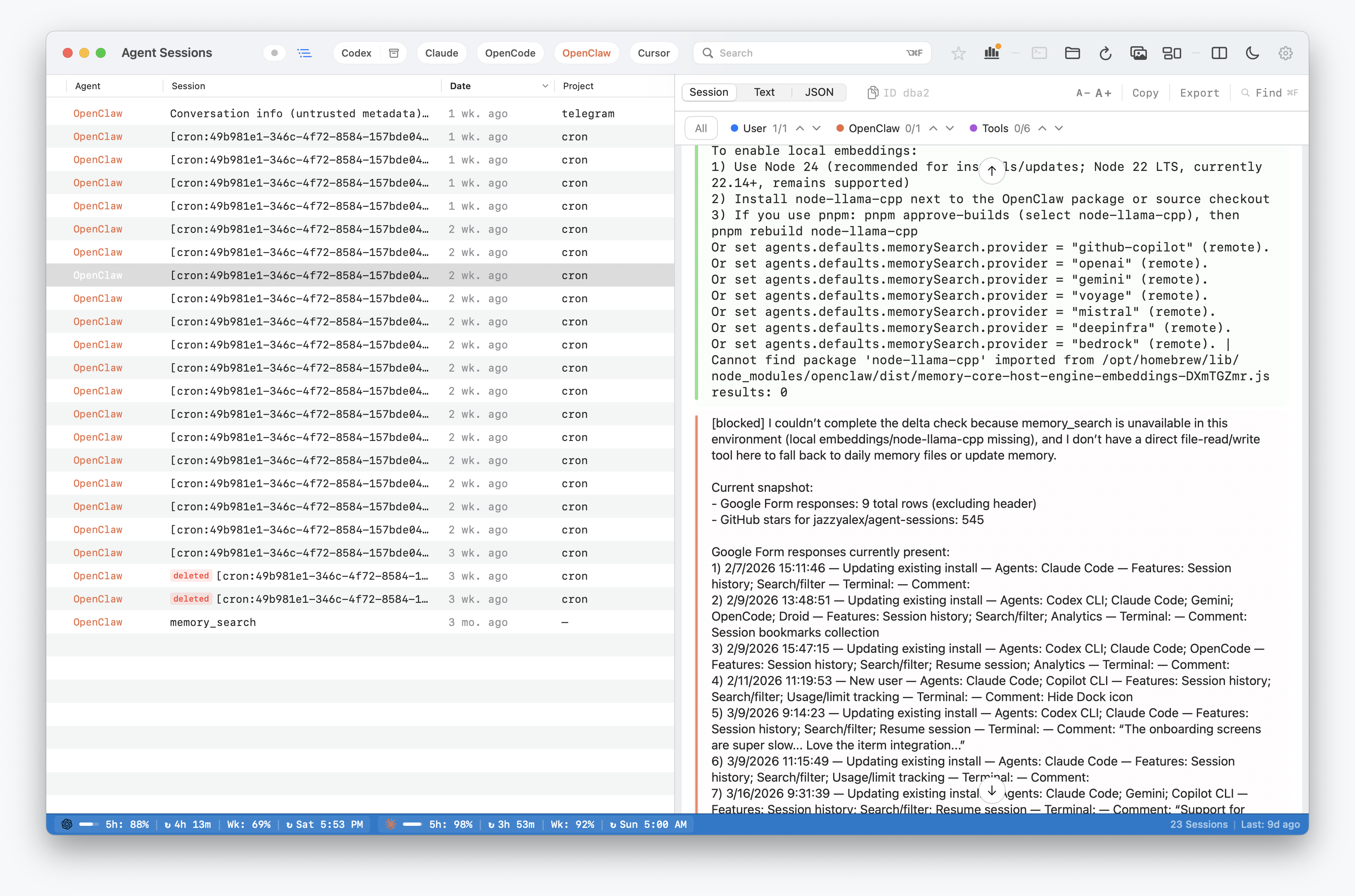
OpenClaw sessions can contain the practical audit trail of a coding task: the prompt, assistant response, tool call, tool result, model change, compaction, and project path. Agent Sessions reads that local history and makes OpenClaw sessions searchable beside the other coding agents you use on macOS.
Agent Sessions indexes normal OpenClaw session files and deliberately excludes trajectory traces from the user-facing session list.
Where OpenClaw Stores Local Data
Agent Sessions discovers OpenClaw sessions under:
~/.openclaw/agents/<agent-id>/sessions/*.jsonlIt also supports the legacy Clawdbot location:
~/.clawdbot/agents/<agent-id>/sessions/*.jsonlIf OPENCLAW_STATE_DIR is set, Agent Sessions uses that state root instead. Deleted transcript files can still be shown when the OpenClaw deleted-session preference is enabled.
Trajectory files are excluded from normal session history:
*.trajectory.jsonlWhat Agent Sessions Does
- Lists OpenClaw sessions across agent IDs.
- Full-text searches transcript content, tool results, metadata, and file paths.
- Shows user prompts, assistant text, tool calls, tool results, and metadata events.
- Preserves deleted-session visibility for OpenClaw transcript files when enabled.
- Does not offer resume commands; OpenClaw sessions are available for browsing and recovery only.
OpenClaw session-format support has been verified through OpenClaw 2026.5.27 with normal session-file evidence.
What This Does Not Do
- Treat trajectory traces as user-facing sessions.
- Write into OpenClaw state.
- Restore deleted OpenClaw files that no longer exist locally.
- Upload OpenClaw transcripts to a hosted search service.